Real-time Rendering Right Inside Your Design Software
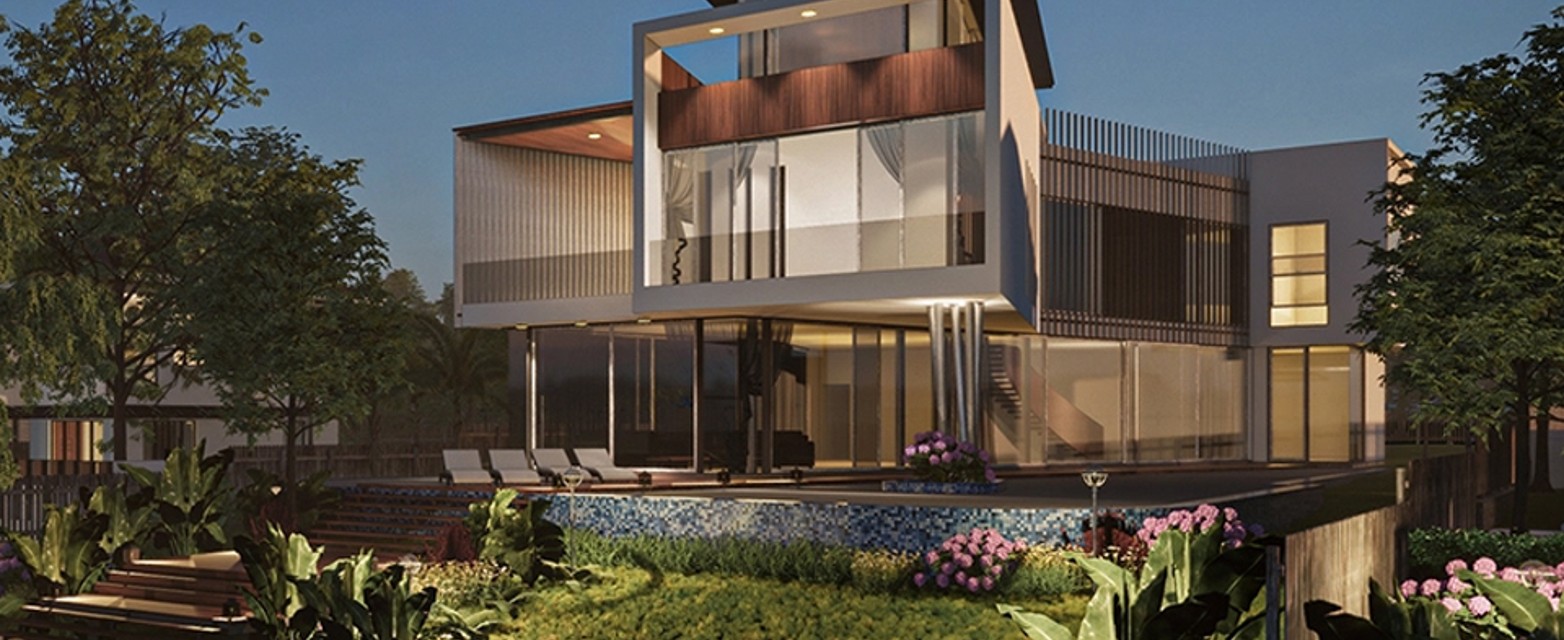
Enscape is a real-time rendering and visualization software that integrates seamlessly into CAD and BIM workflows. Running as a plugin directly inside Revit, SketchUp, Rhino, Archicad, and Vectorworks, Enscape lets architects and designers visualize, iterate, and present designs instantly without leaving their modeling software. CAD/BIM models and visualizations stay in sync through bi-directional syncing, so ideas can be explored as fast as you think. Developed by Chaos, Enscape now includes AI capabilities to help you make better design decisions.
See fully rendered results in real time right inside your model as you design. No need to wait for long render processes to see the final look.
Integrated Workflow
Runs as a plugin directly in Revit, SketchUp, Rhino, Archicad, and Vectorworks. You never have to switch applications or export your model to separate software.
Faster Design Iteration
Change the design and see the impact on the visualization instantly. Exploration and iteration cycles become far faster throughout the design process.
High-Quality Client Presentations
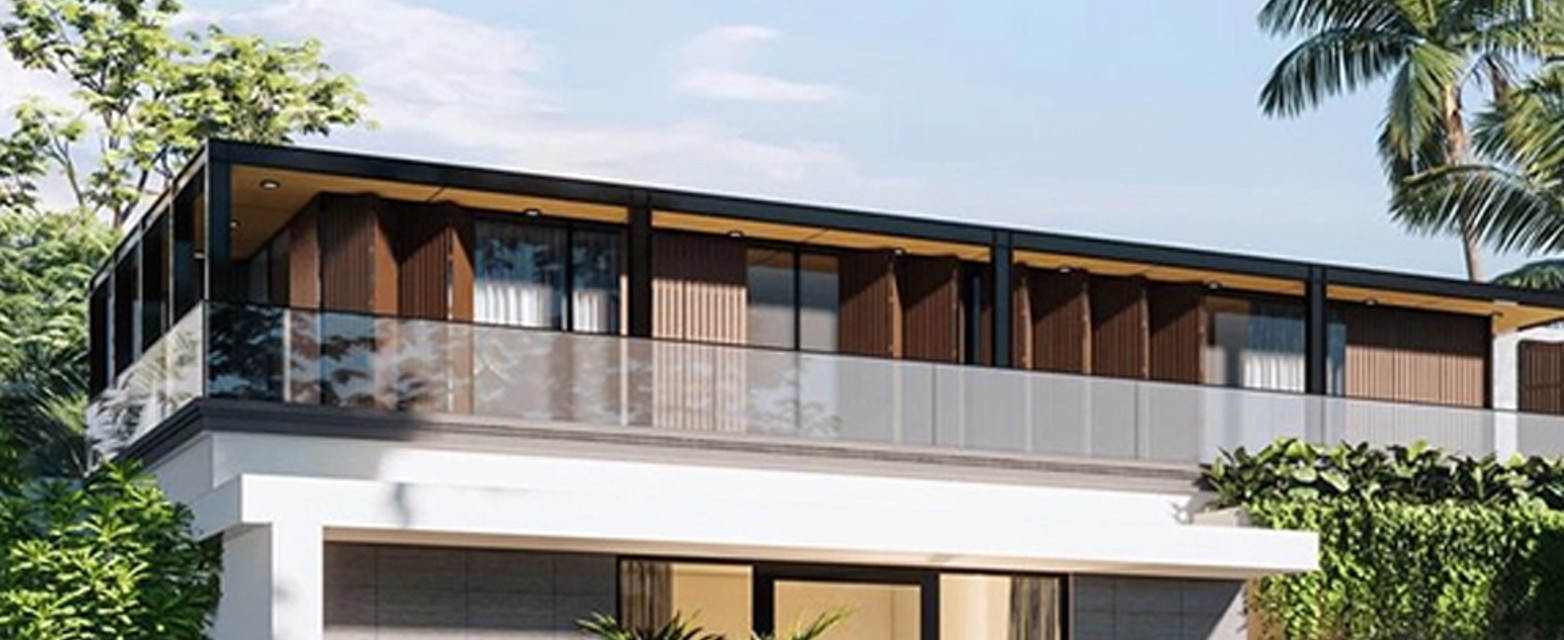
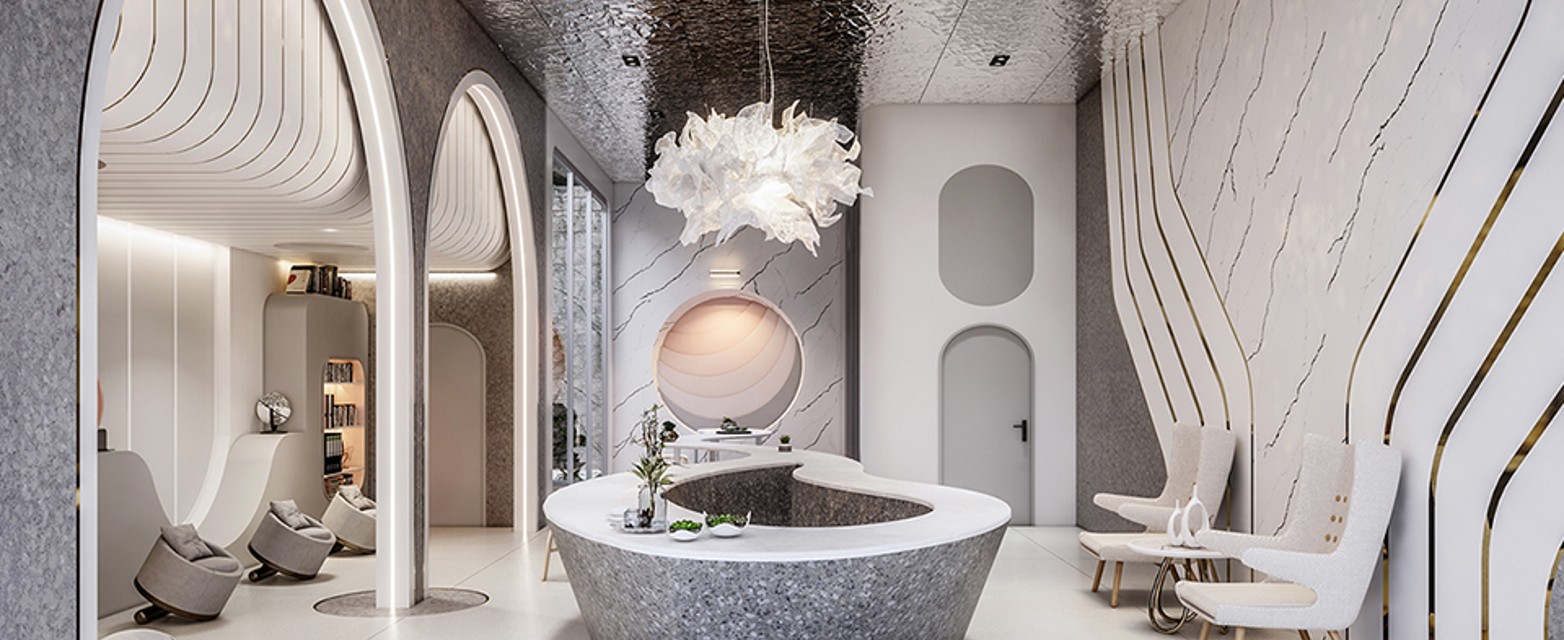
Build stunning presentations straight from your working model. Clients understand the design faster through high-quality visuals rather than technical drawings alone.
Fewer Design Misunderstandings
Clear visualization from the earliest stage reduces misunderstandings between the team and the client. Design decisions are made based on a realistic picture.
Bi-directional Syncing
CAD/BIM models and visualizations always stay in sync bi-directionally. Every change to the model is instantly reflected in the rendered view with no extra steps.
PRODUCT FEATURES
All Visualization Tools in One Plugin
Real-time Rendering Engine
Visualize fully rendered views inside your CAD/BIM model as you design. Lighting, materials, and shadows are computed in real time.
AI Design with Veras
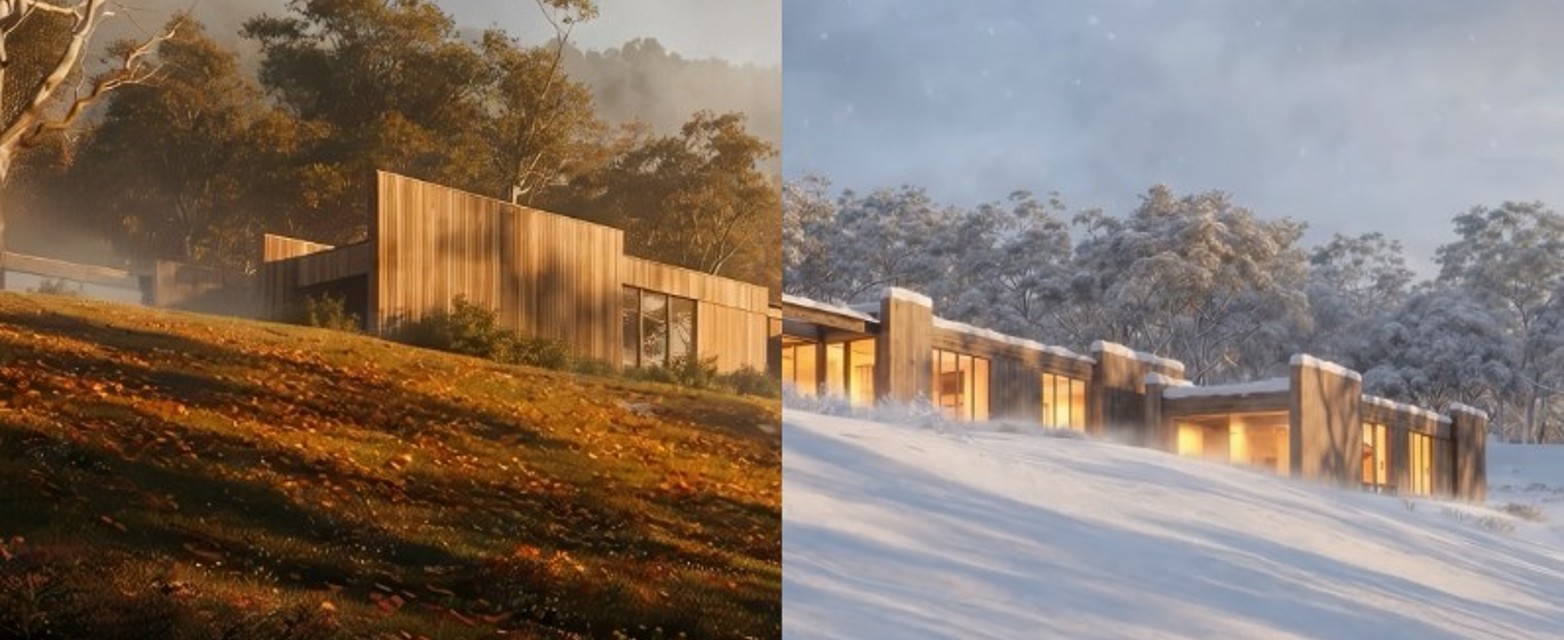
Explore multiple design directions using integrated Veras AI, with no third-party tools. Speed up visual concept exploration from the very start.
Chaos Cosmos Asset Library
Access thousands of render-ready assets (6,700 to 18,500+ depending on your plan) from the Chaos Cosmos library to enrich your scenes.
Chaos Cloud Collaboration
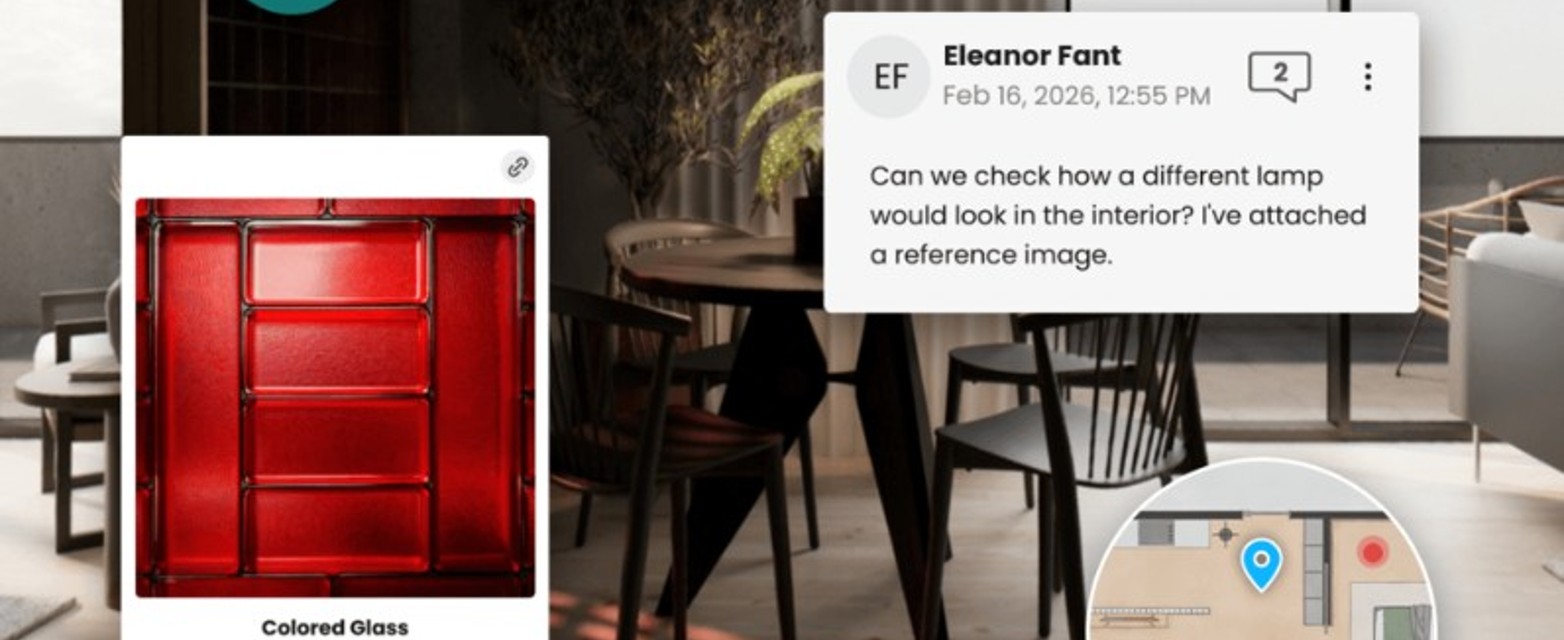
Share and collaborate on visualizations through Chaos Cloud. Teams and clients can review and give feedback from anywhere.
Environmental Analysis with Enscape Impact
Evaluate thermal comfort and design sustainability with Enscape Impact. Consider building performance from the earliest phase.
Animation with Enscape Envision
Create cinematic presentations with animation and scene assembly using Enscape Envision. Tell your design story dynamically.
Enscape is a plugin that runs inside Revit, SketchUp, Rhino, Archicad, or Vectorworks. You render directly from the model in that design software, with no separate export.
Chaos Cosmos is a library of thousands of render-ready assets; Chaos Cloud makes it easy to share and collaborate on visualizations with your team or clients from anywhere.

 ID
ID EN
EN